Close
Type at least 1 character to search
Back to top

Olli

Autonomous Shuttle UX

Olli is an autonomous shuttle designed for campuses, such as small towns, complexes, and theme parks, delivering end-to-end mobility services.

Timeline

4Q 2019 ~4Q 2020

Status

Not shipped (Concept)

Skills

Concept development
Product design
Interactive prototyping
Stakeholder management

My role

Design Lead

As the design lead, I defined the in-cabin display UX vision and key passenger scenarios, then designed the UI concept and interactive prototypes, including AR-driven interactions to create a distinctive, engaging onboard experience. I also packaged the work into a stakeholder-ready presentation for decision-making.

Team

PM, Engineering, Design (1 Senior Designer), 3D agency

Background

Finding New Opportunities in Future Mobility

This project was an early-stage UX concept initiative I led at LG Electronics for the interior display of an autonomous shuttle. As part of an advanced concept team, I focused on identifying new opportunities and developing future-facing concepts.

The work supported a potential shuttle business for environments such as theme parks and residential communities. I designed the in-cabin display UX concept and packaged it into a stakeholder presentation to communicate the vision, value, and experience flow for the proposed service.

What I did
1. Designed the in-cabin interior screen UX/UI for a moving shuttle.
2. Created AR-driven entertainment interactions.
3. Led stakeholder presentations, gathered feedback, and iterated the concept.

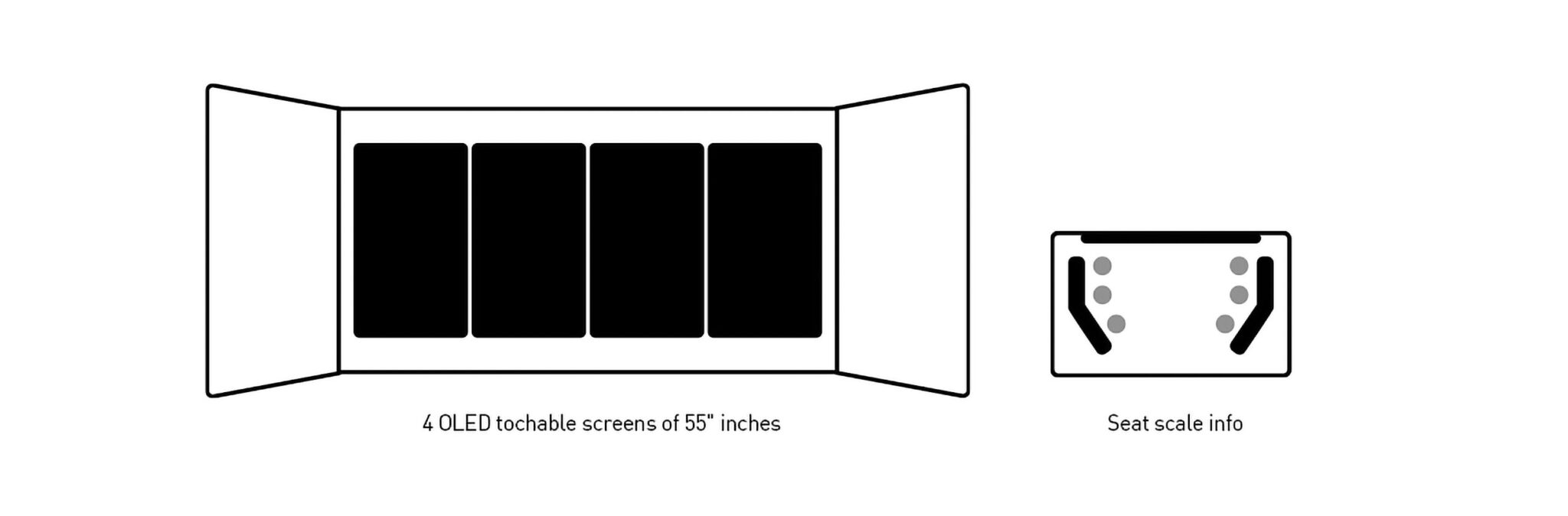
Interior Screen System Layout

UX Concept


“Mobility Through Multiple Experiences”

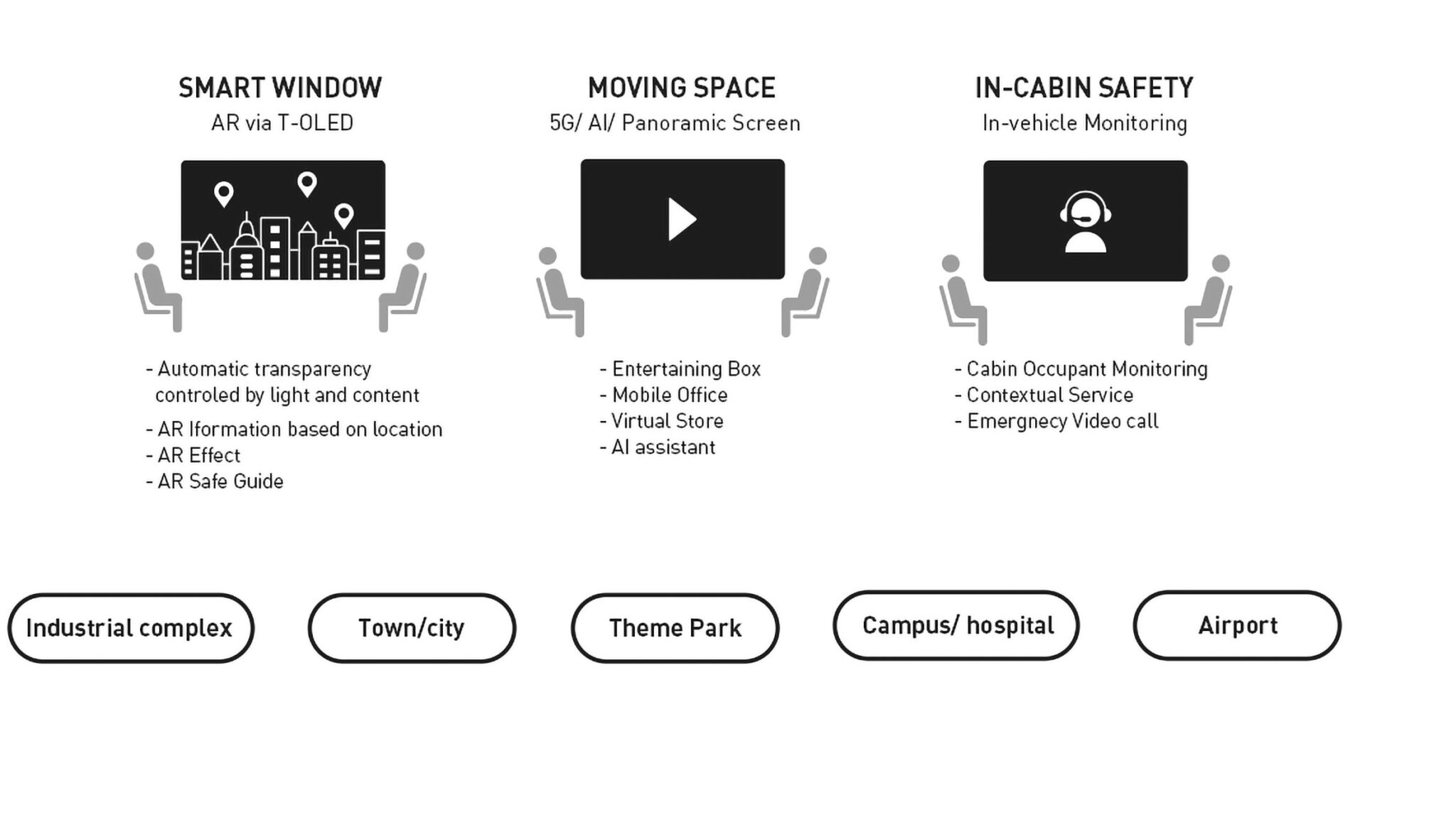
The experience is built around the concept of Mobility of Multi Experiences, structured into three functional areas: Smart Window, Moving Space, and In-Cabin Safety. Depending on context, the system provides relevant guidance, traffic information, games, and themed entertainment.

problem
How can passengers grasp key info at a glance?
What’s the right interaction level in a moving vehicle?
What large-screen entertainment best enhances the ride?

Designing UX for a moving vehicle introduced a unique set of challenges. Unlike mobile or desktop environments, passengers receive information in a passive context, and their ability to control content must be limited for safety. We also needed to consider the placement and scale of UI components on a very large screen, ensuring that all information remained easy to read while the vehicle was in motion.

solution
Layout based on content priority

The first step was to categorize the screens into four functional layers: content, control, information, and guidance. This virtual layering helped separate different user situations and allowed us to place functions in the appropriate visual and spatial context.

Without any control – UI layout/ Common flow

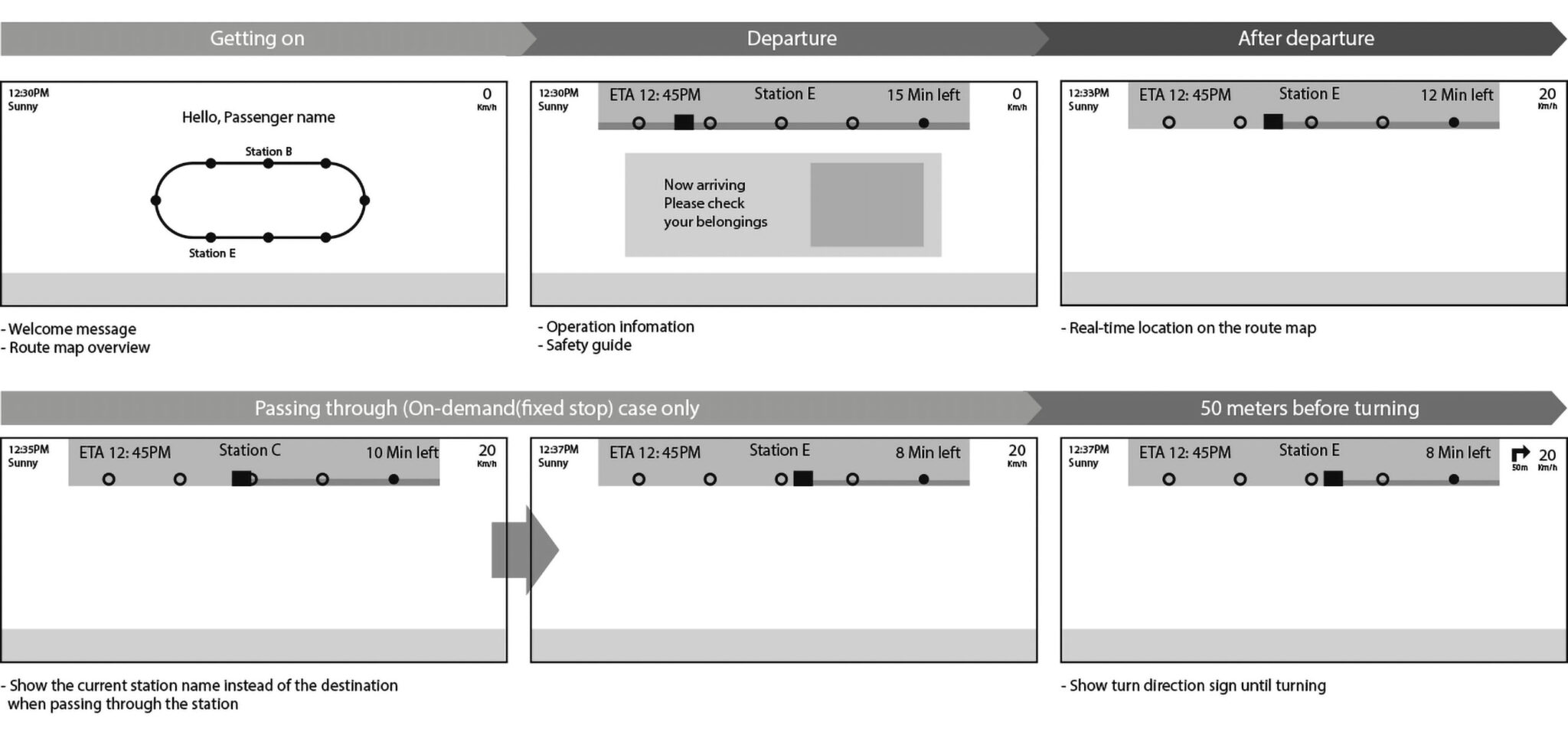
As the destination approaches, the system automatically displays the necessary information without requiring any user interaction.

The optimized position of control & the correct location of content by function

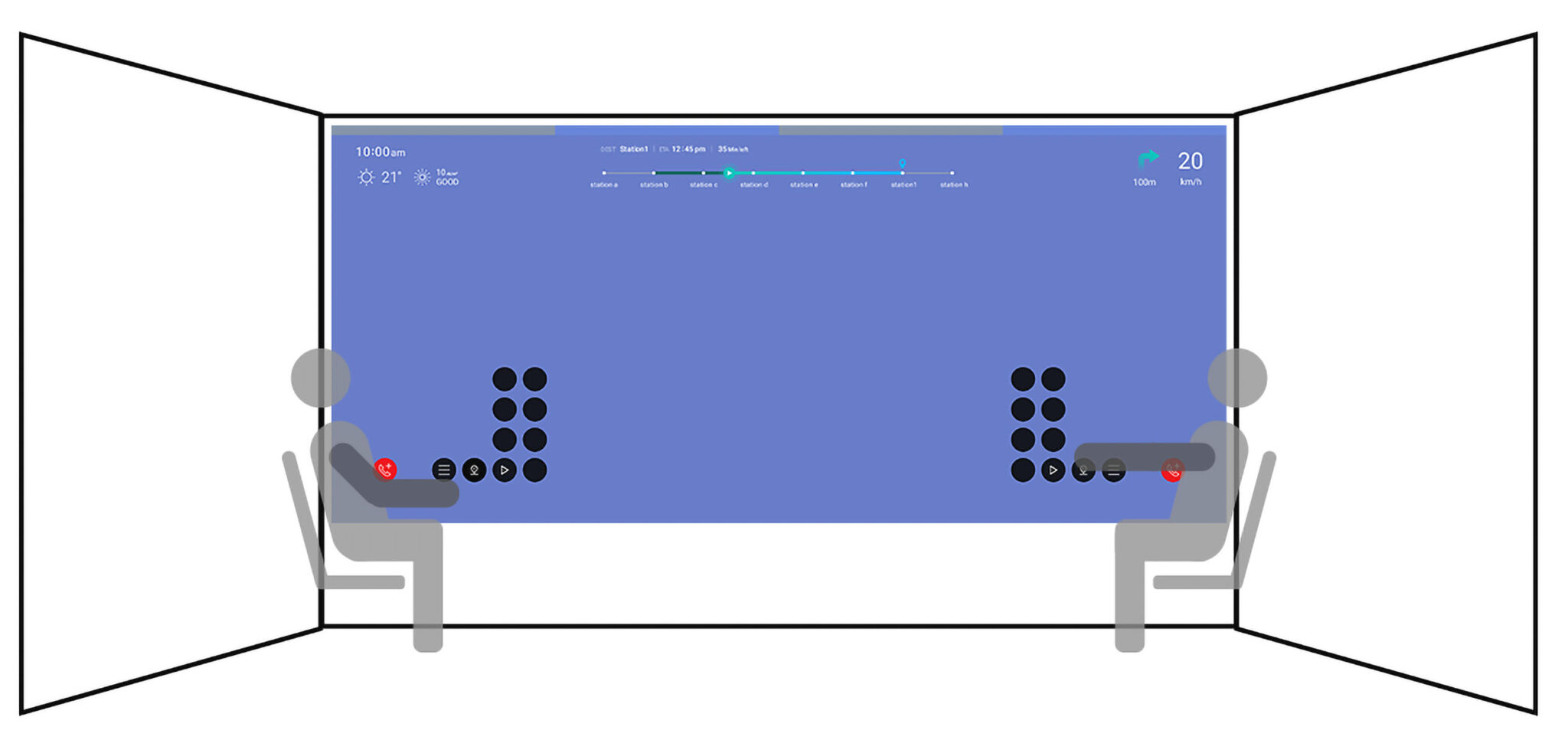
The layout was organized into basic information, key content, and essential controls. The position of the control bar was determined based on the average reach of a seated passenger, ensuring that interactions remained safe and accessible inside the moving vehicle.
testing

I conducted extensive testing with developers to refine the UX and UI layouts. Because the actual screen size, opacity, and visual properties differed from what appeared on my computer monitor, each element had to be adjusted directly on the large display. Through repeated tests, I optimized the UX flow and fine tuned details such as size, color, shadow, and transparency for all UI components.

Final design

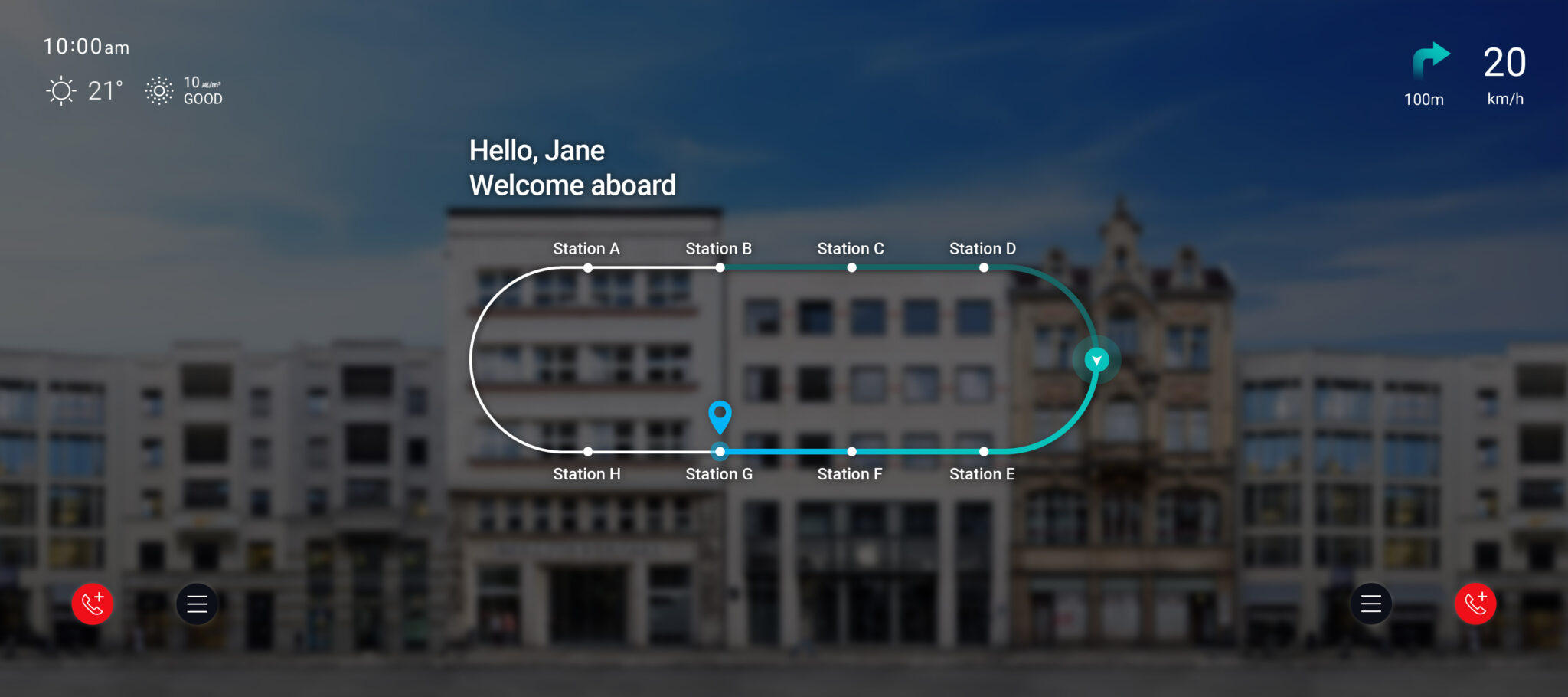
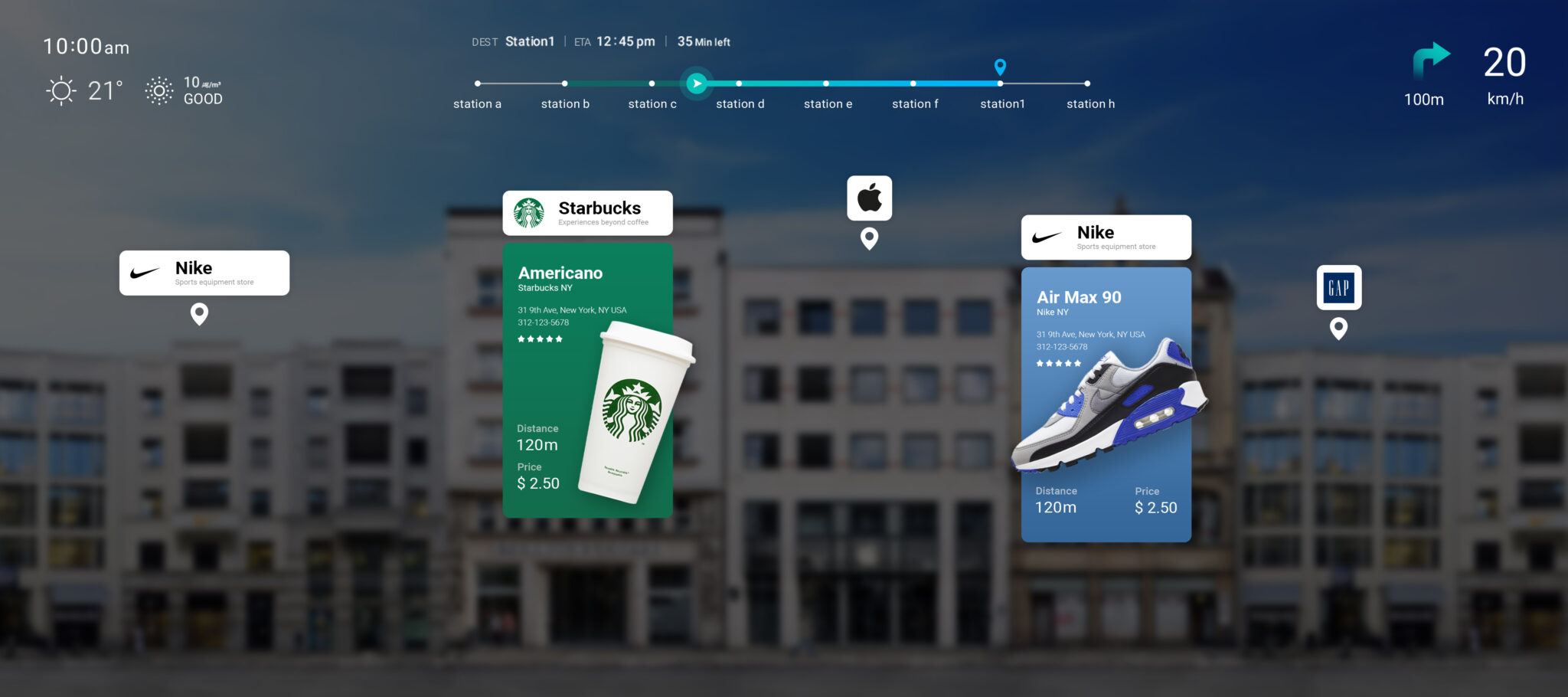
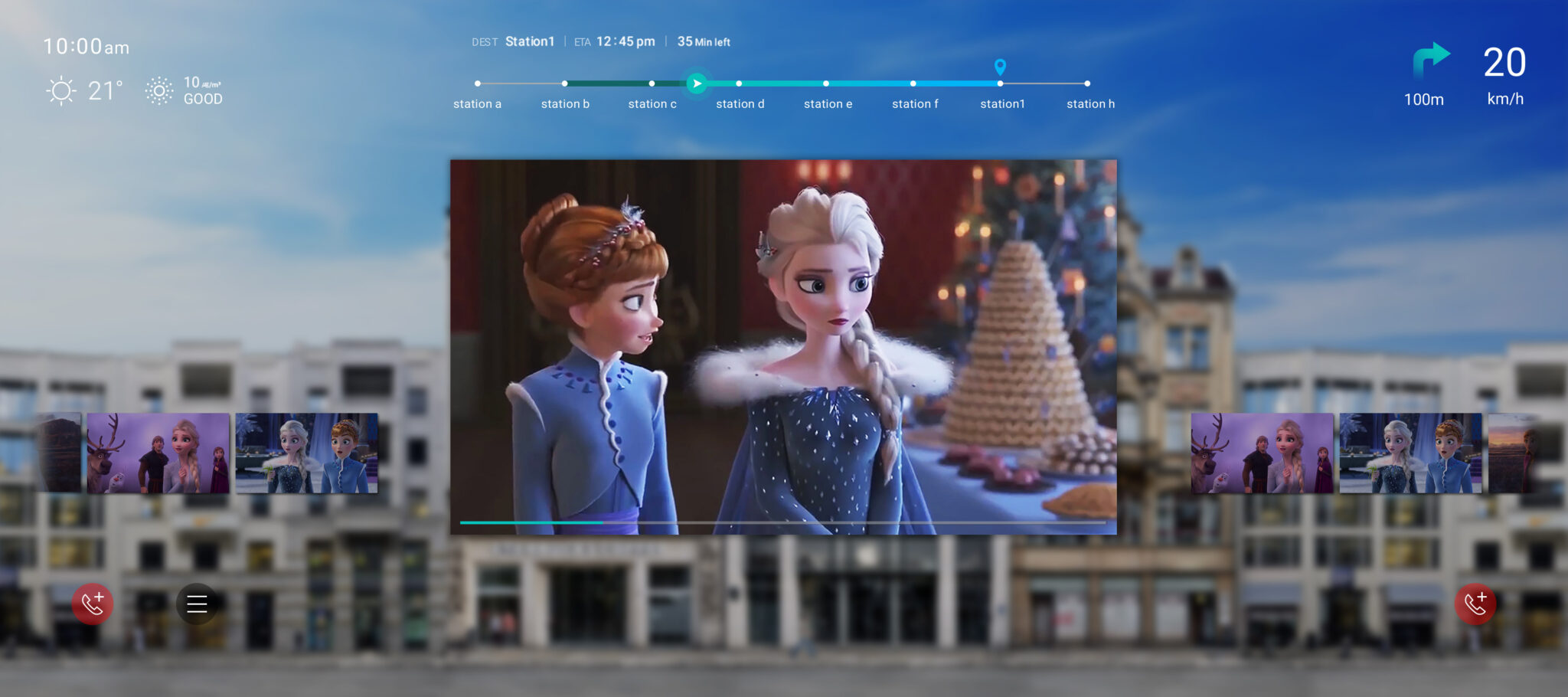
The main screen provides a range of information and services from boarding greetings to traffic updates and location-based AR experiences. It also supports cabin occupant monitoring and safety actions, including emergency instructions and control-tower connectivity.

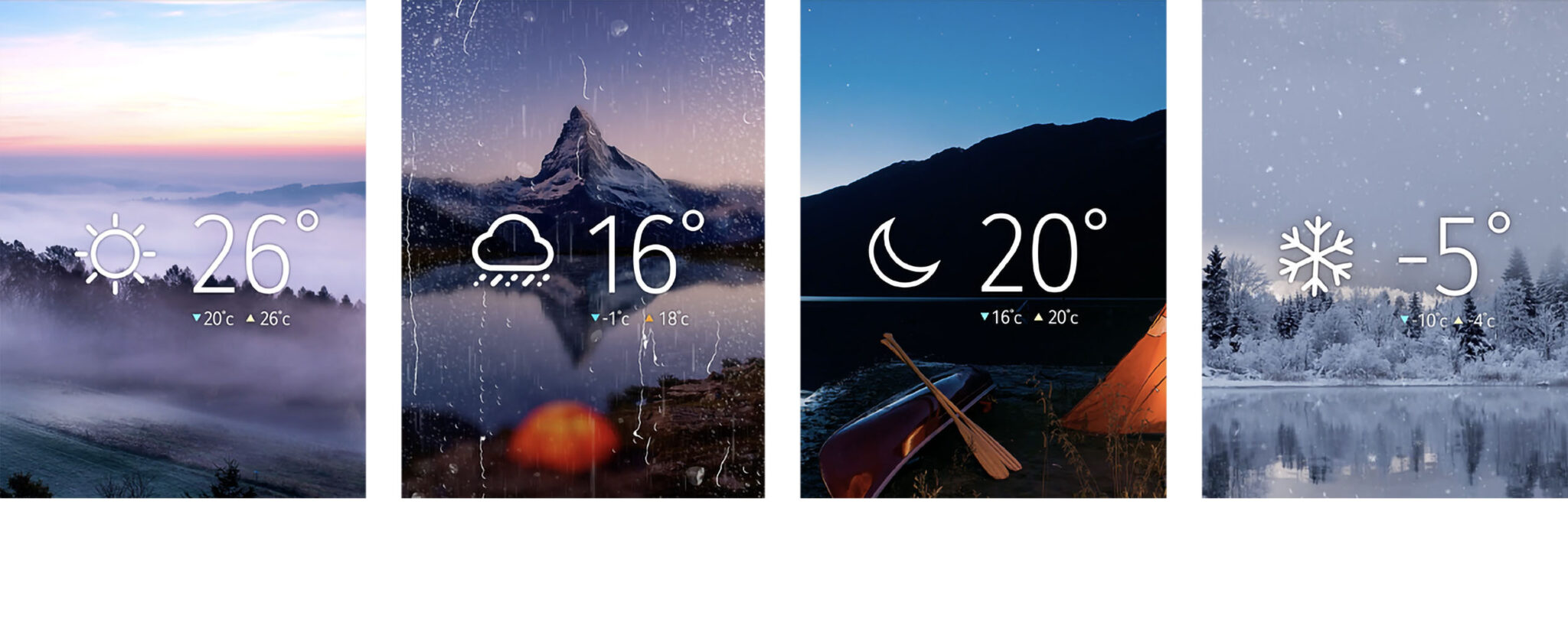
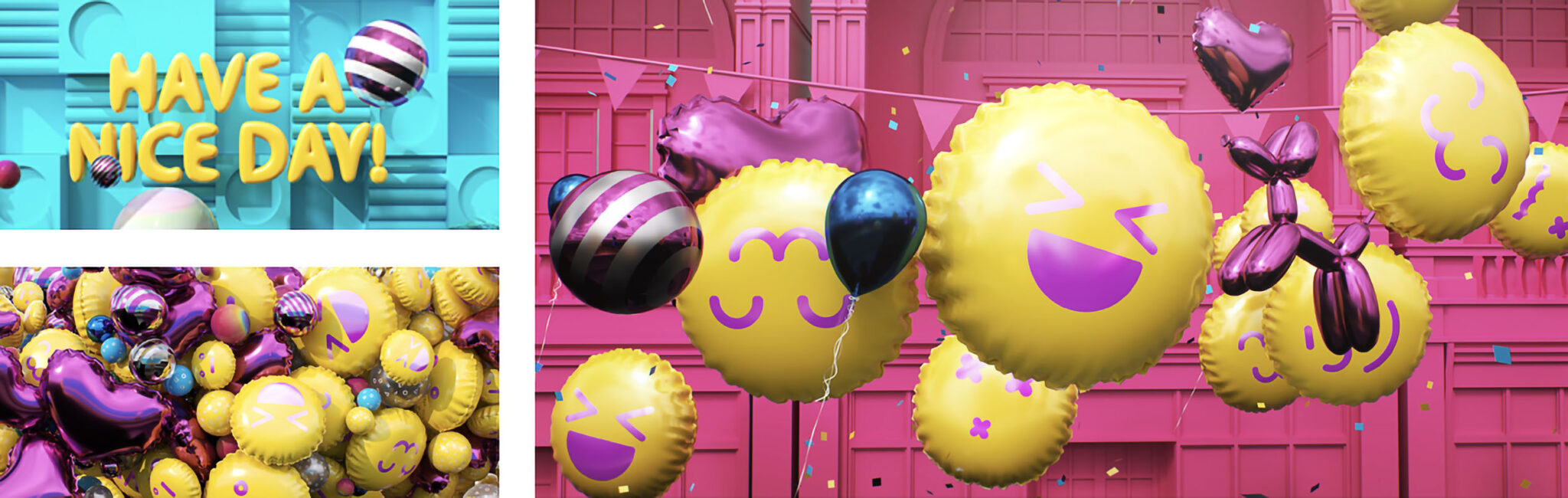
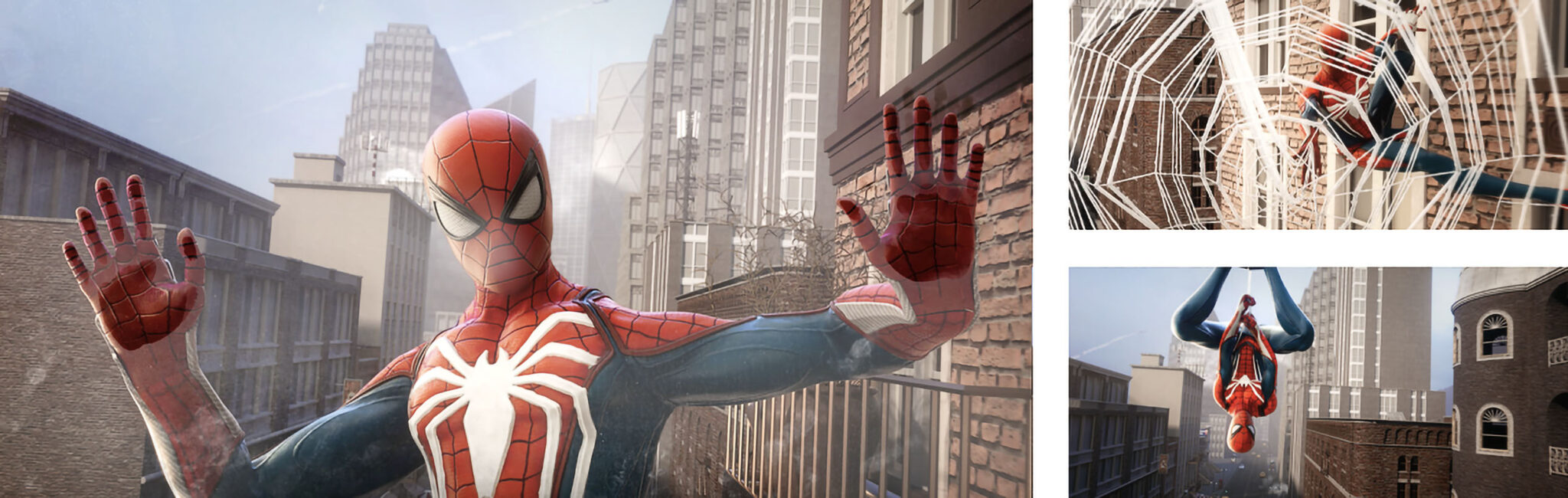
In addition, the experience includes in-ride entertainment such as AR shopping, games, weather service, and short movie clips.

Main screens
 
AR shopping
 
Weather
 
Five Entertainment Themes